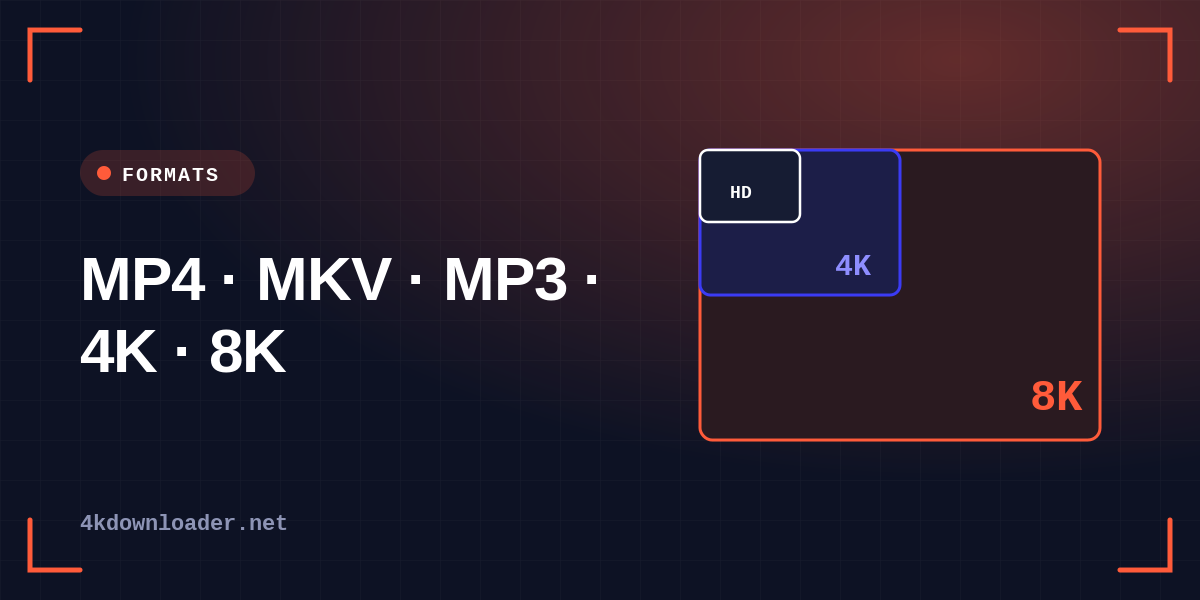
The download window offers a lot of choices. This guide explains what each one means so you can pick the right format the first time, whether you want a YouTube to MP4 file for your phone, an 8K master for a big screen or a YouTube to MP3 track for the car.
Video containers: MP4 vs MKV
A container is the “box” that holds video, audio and subtitles.
- MP4 plays almost everywhere: iPhone, Android, smart TVs, editing apps. Choose it for 1080p and below, and whenever you are not sure.
- MKV is more flexible. It holds modern codecs like VP9 and AV1 comfortably and can carry several subtitle and audio tracks. Choose it for 4K and 8K and when you want embedded subtitles in multiple languages. VLC, MPV, Plex and most PCs play it; some TVs and iPhones need an extra player.
Why codecs matter at 4K and 8K
YouTube usually stores high resolutions in VP9 or AV1 rather than the older H.264. These codecs give better quality per megabyte but need more decoding power. A recent graphics card or Apple chip handles them in hardware; an older laptop may stutter on 8K playback even though the download itself is fine.
Choosing a resolution
| Quality | Best for | Approx. size per 10 min |
|---|---|---|
| 720p | Phones, saving space, lectures | ≈ 200 MB |
| 1080p | Laptops, most TVs | ≈ 350 MB |
| 1440p | QHD monitors | ≈ 700 MB |
| 2160p (4K) | 4K TVs and monitors, editing | ≈ 1.3 GB |
| 4320p (8K) | 8K displays, archiving the best copy | ≈ 3.4 GB |
These are typical figures. A static talking-head video can be much smaller; fast action, drone shots and confetti can be larger. The planner on our homepage estimates size for any length.
Why is 4K missing? The app can only offer what the uploader published. If the video was uploaded in 1080p, there is no 4K version to download — upscaling would not add detail anyway.
Audio: MP3 vs M4A
- MP3 is the universal format: car stereos, old MP3 players, every app. Choose 320 kbps for the best quality.
- M4A (AAC) sounds as good or better at smaller sizes and is native on Apple devices. Great for podcasts and spoken word.
Keep in mind that YouTube's own audio is already compressed, so converting to a “lossless” format would not improve the sound.
HDR and high frame rate
Some videos are available in HDR or at 60 fps. They look great on capable screens but are larger. On a standard laptop screen, HDR content may look washed out without proper tone mapping, so choose the SDR version if you see that.
Quick recommendations
- Phone: MP4, 720p or 1080p.
- TV via USB: MP4 1080p, or MKV 4K if your TV supports it.
- Editing: the highest resolution available, MKV.
- Music or podcasts: MP3 320 kbps or M4A.
- Course with subtitles: MP4 1080p plus separate .srt files.
Prefer a printable version? Download our format cheat sheet.
This article is written by the independent 4K Downloader team and is not published by the developer of 4K Video Downloader Plus. Found something out of date? Tell us.